Blog
Notes on what we’re building and why.
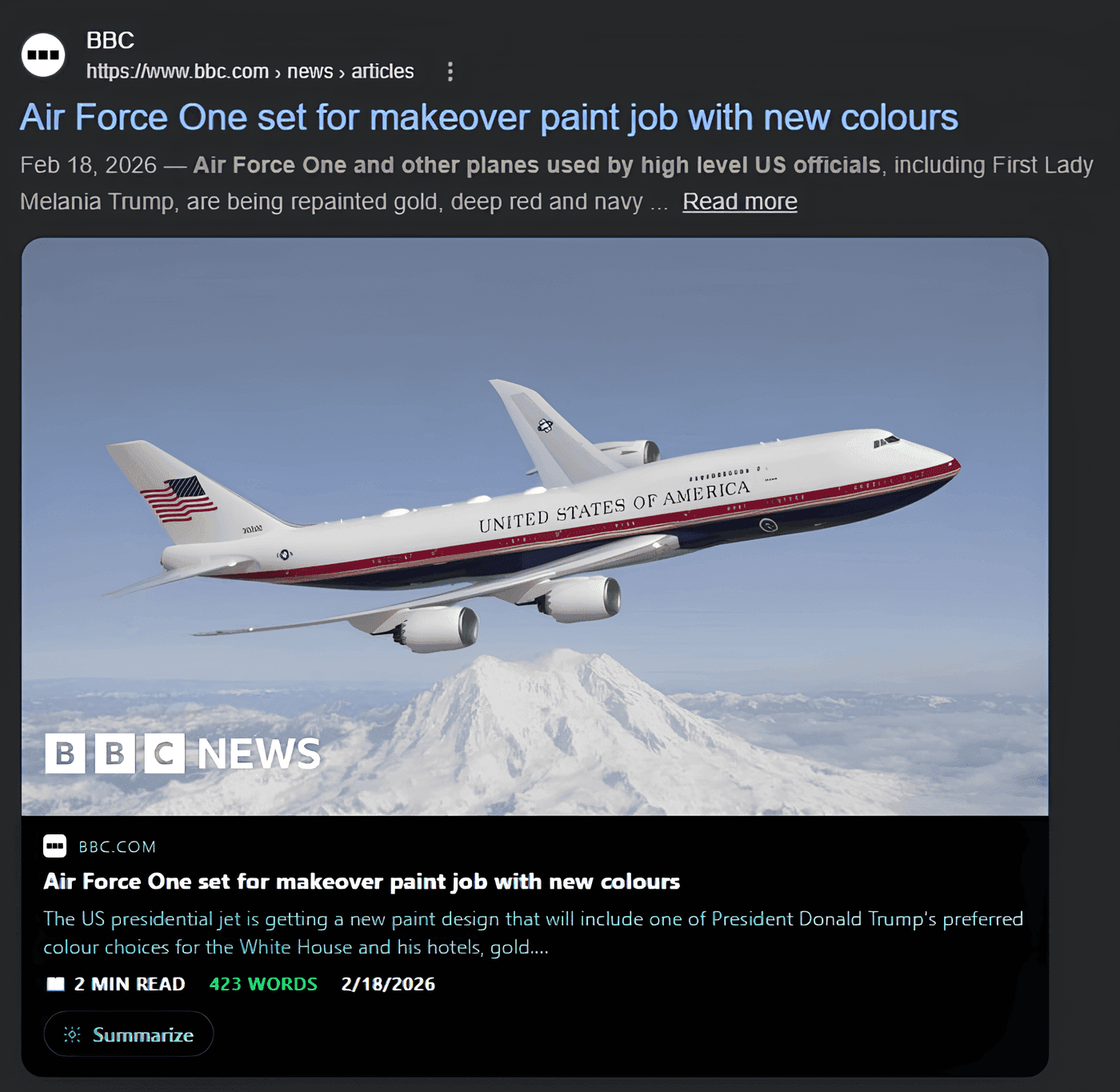
How to preview a link without opening it
See what's behind any link before you click: hover over it in Chrome, Edge or Firefox and the page opens on top of the one you're on, with no new tab.
How to install Chrome extensions in Microsoft Edge
Edge can install extensions straight from the Chrome Web Store. Here's the one switch to turn on, and how to add any Chrome extension in under a minute.
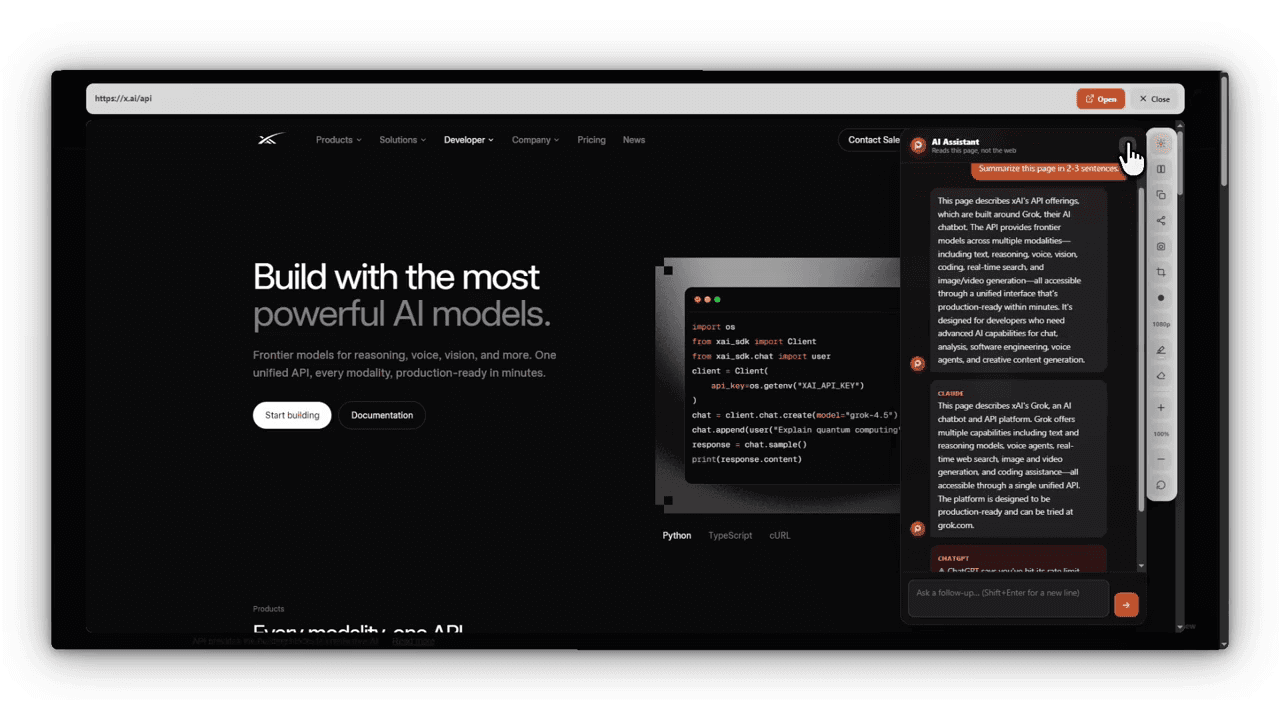
The best free browser extensions for students
Free extensions that help with research and studying: checking sources without losing your place, summarizing long pages, citing, and staying focused.
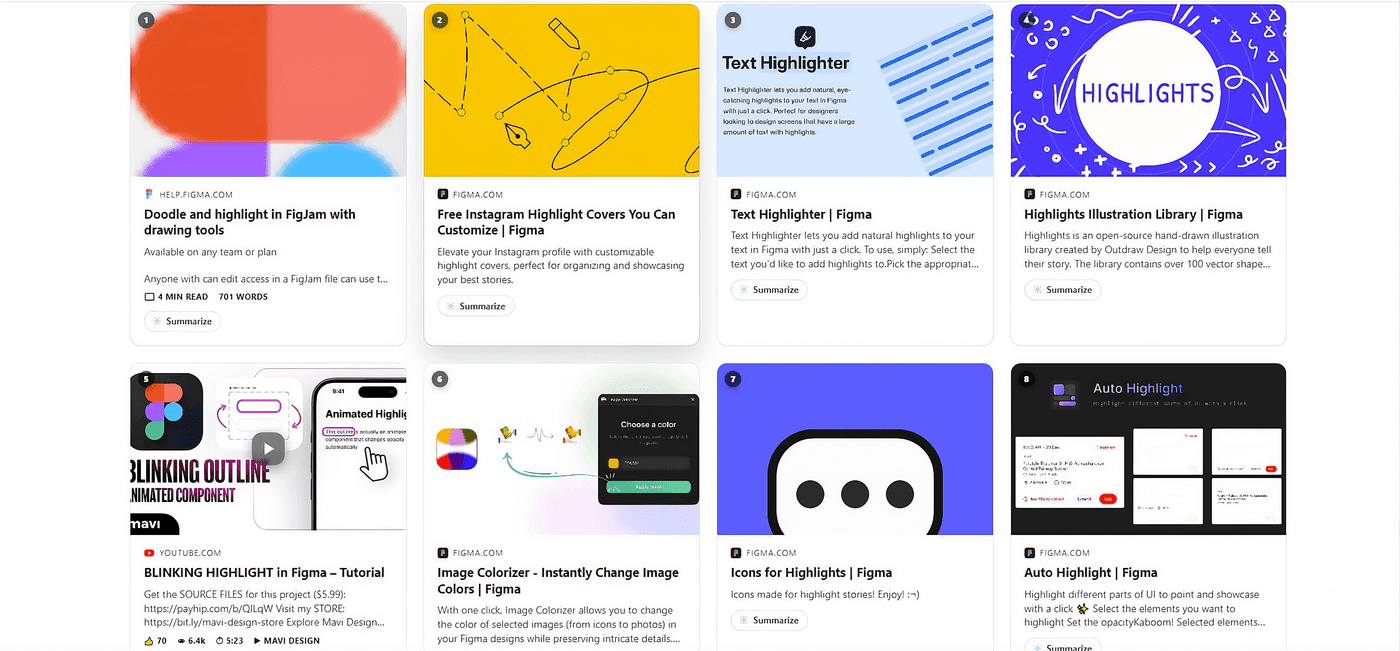
The best free Chrome extensions for productivity
A short list of free Chrome extensions that save real time every day: blocking ads, managing passwords, reading at night, and checking links without opening tabs.
Link preview add-on for Firefox: see any page before you open it
How to preview links in Firefox without opening a new tab, using a free add-on that shows the live page on hover and cards on search results.

A free link preview extension for Chrome, Edge and Brave
Peekly is a free Chrome extension that shows you what's behind a link before you click: preview cards on search results and the live page on hover.
How to see where a link really goes before you click
Shortened and unfamiliar links hide where they lead. Here's how to check the real destination in Chrome or Edge, with or without an extension.
Как сделать краткий обзор текущей веб-страницы
Краткое содержание любой страницы за несколько секунд: режим чтения или ИИ-пересказ от ChatGPT, Claude, Gemini или Groq прямо рядом со страницей.
How to get a quick summary of the web page you're on
Get the gist of a long page in seconds: reading mode for a clean view, or an AI summary from ChatGPT, Claude, Gemini or Groq right next to the page.
Hover to preview search results on Google, Bing and DuckDuckGo
Stop opening every search result in a new tab. Hover a result to read the page on top of your results, then step to the next one.
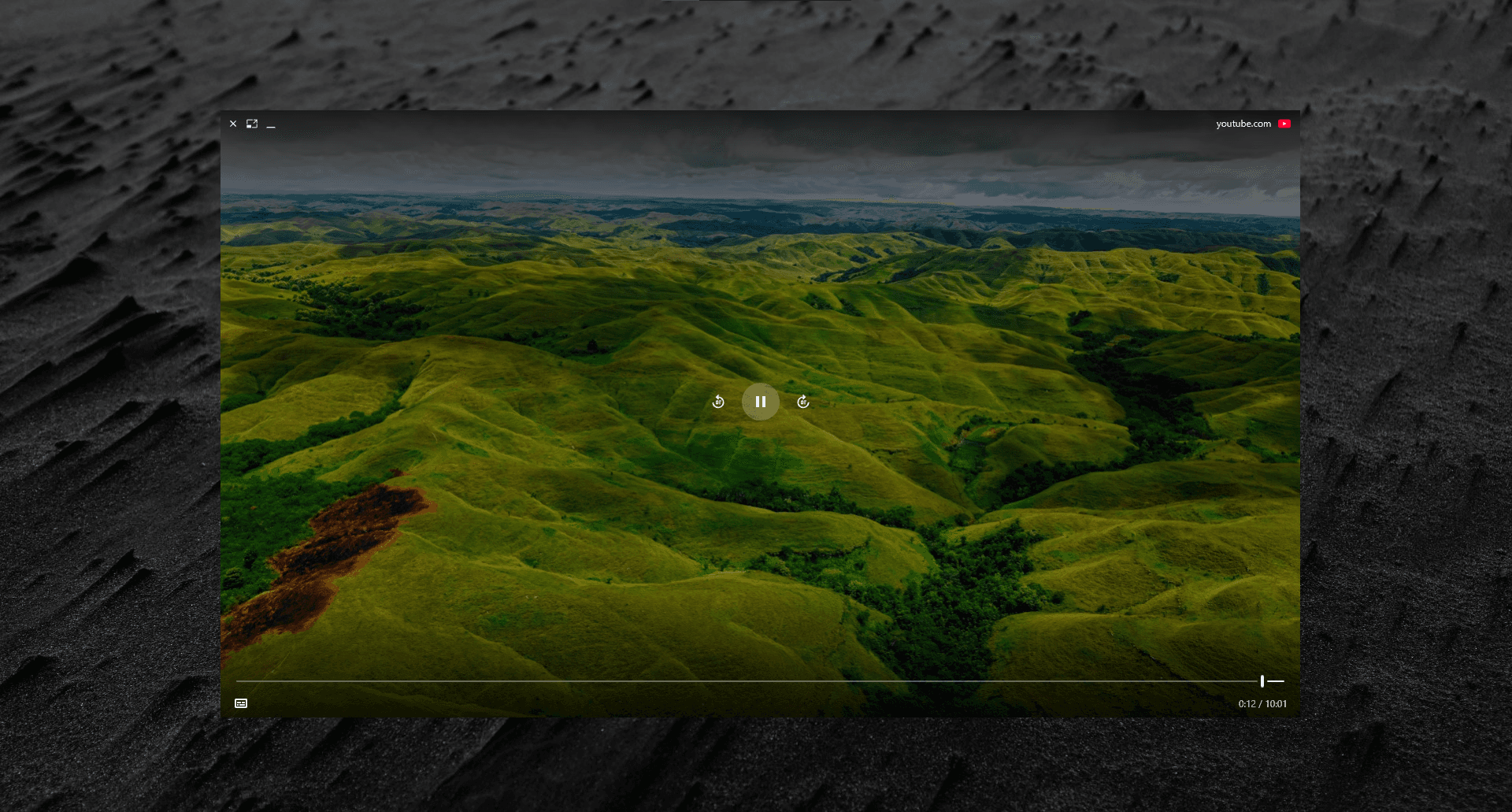
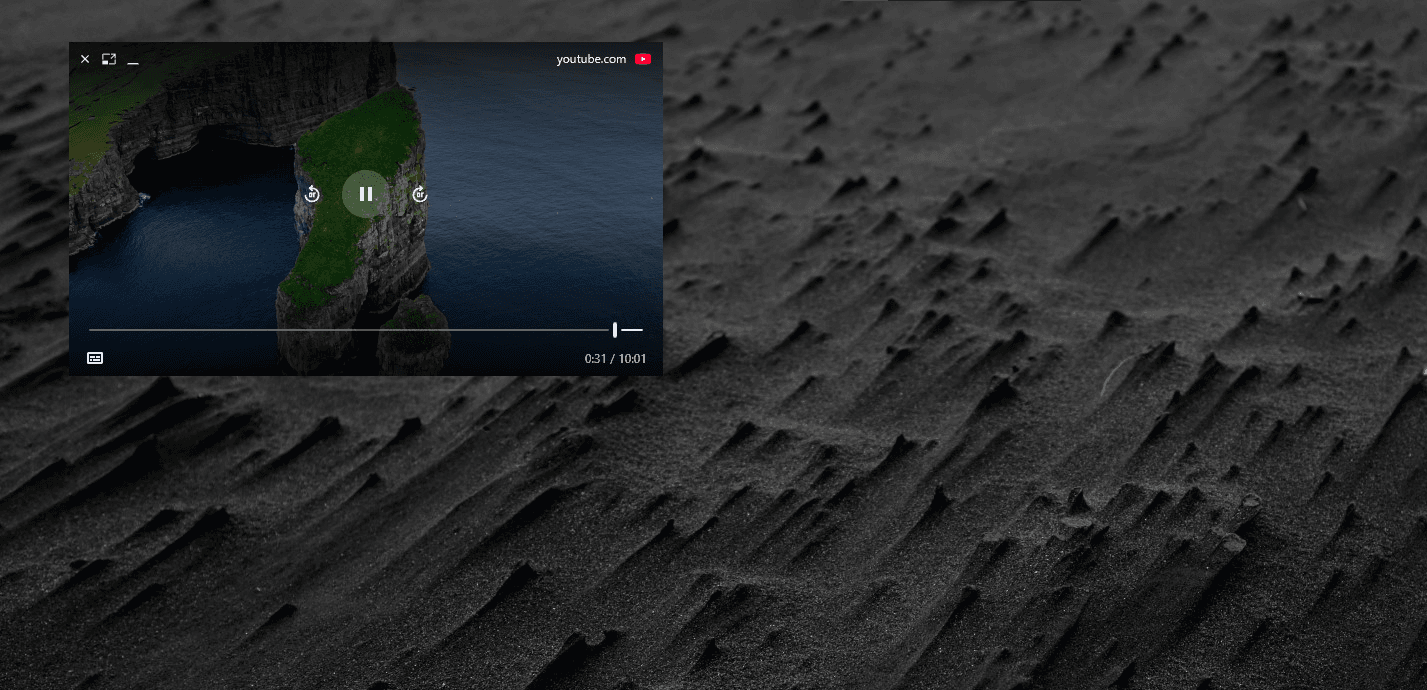
How to preview a YouTube video without leaving the page
Watch a YouTube link from search results, Reddit or chat without opening YouTube in a new tab, and keep it playing over your desktop if you want.
How to open a website in Chrome's side panel
Keep a page open beside the one you're working on: pin it to Chrome's side panel, and compare up to four pages side by side.
The best extension for research: comparing sources without losing your tabs
Research means holding several sources in your head at once. Here's how to do that without forty tabs open, and without losing track of which one said what.
The best privacy-focused extension for search previews
A lot of extensions say "we respect your privacy" in the fine print while a server still sees every page you preview. Here's how to tell the difference.
The best productivity extension for people who open too many tabs
Tab-hoarding isn't a discipline problem, it's a missing-preview problem. Here's what actually fixes it, and what just moves the clutter somewhere else.
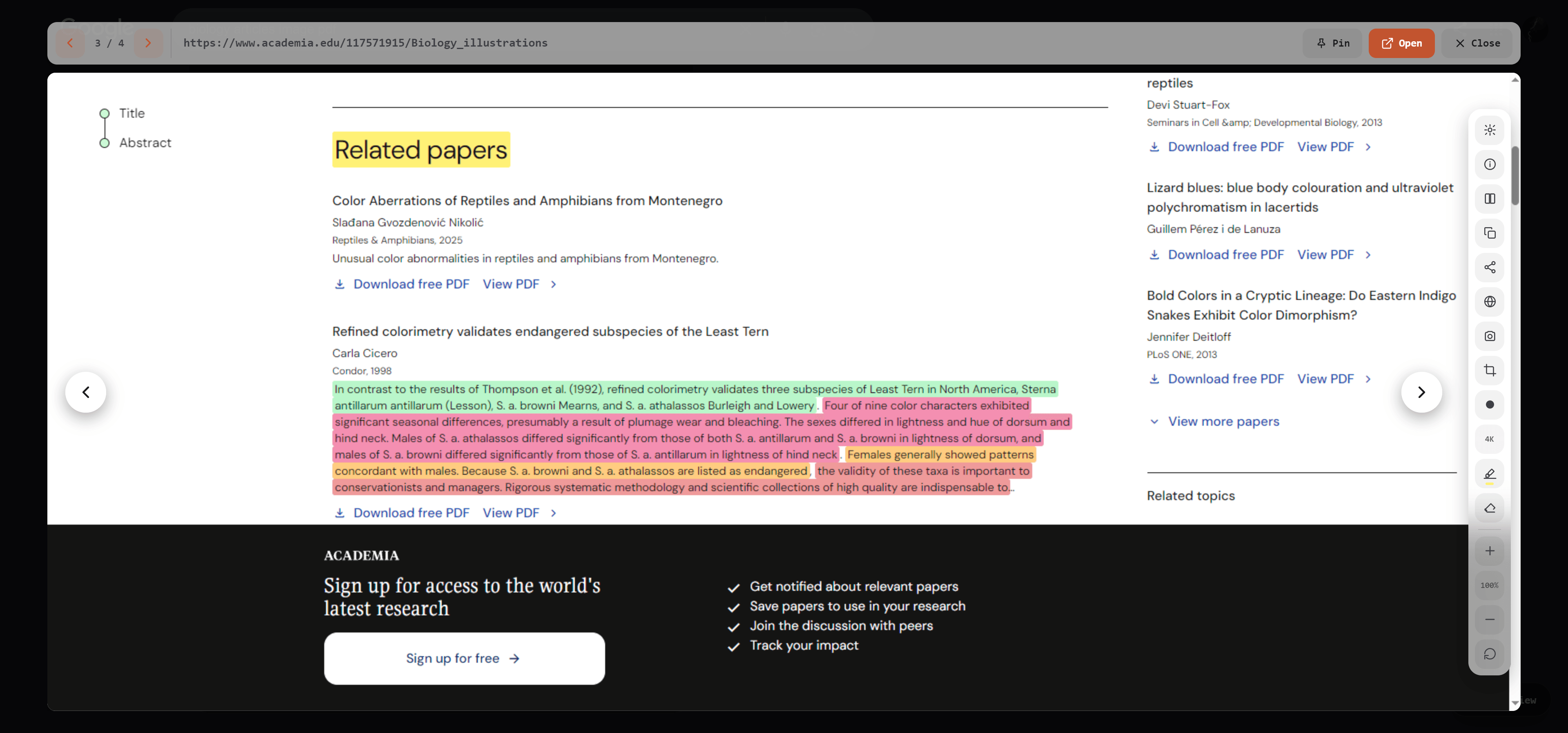
The best extension for previewing links without opening tabs
A real comparison of what "preview a link" actually means across the extensions that claim to do it, and where each one genuinely helps or falls short.
Batch screenshot: capture every result in Feed view, in one pass
Step through a page of search results and capture each one automatically, previewed right in the card, not scattered across your downloads folder.
Why Peekly runs entirely in your browser
The core feature never touches a Peekly server, not because we're being cautious, but because there's genuinely nothing for a server to do.
Peekly AI: ask one question, every model answers
ChatGPT, Claude, Gemini, and Groq, side by side, in one page. Bring your own keys, nothing routes through our servers.
Feed view: browse search results without opening a single tab
Turn a search results page into a scrollable feed of full previews. Read, skim, and move on without ever leaving the page.
Why link previews save you clicks
Every search result is a bet. You don't know what a page actually is until you've already opened it. Preview cards remove the bet.