The best free Chrome extensions for productivity
Last updated October 24, 2026 · 4 min read
Most “best extensions” lists are thirty items long. Here are five free ones that cover the things people actually lose time on, and that stay out of the way the rest of the time.
1. An ad and tracker blocker: uBlock Origin Lite
Pages load faster and read cleaner without ads. On Chrome, uBlock Origin Lite is the version built for the current extension platform. It’s free and open source.
2. A password manager: Bitwarden
Typing and resetting passwords is a quiet time sink. Bitwarden’s free plan syncs unlimited passwords across your devices and fills them in for you.
3. Dark mode for every site: Dark Reader
If you read a lot in the evening, Dark Reader turns bright sites dark. It’s free and lets you switch it off per site.
4. Link previews: Peekly
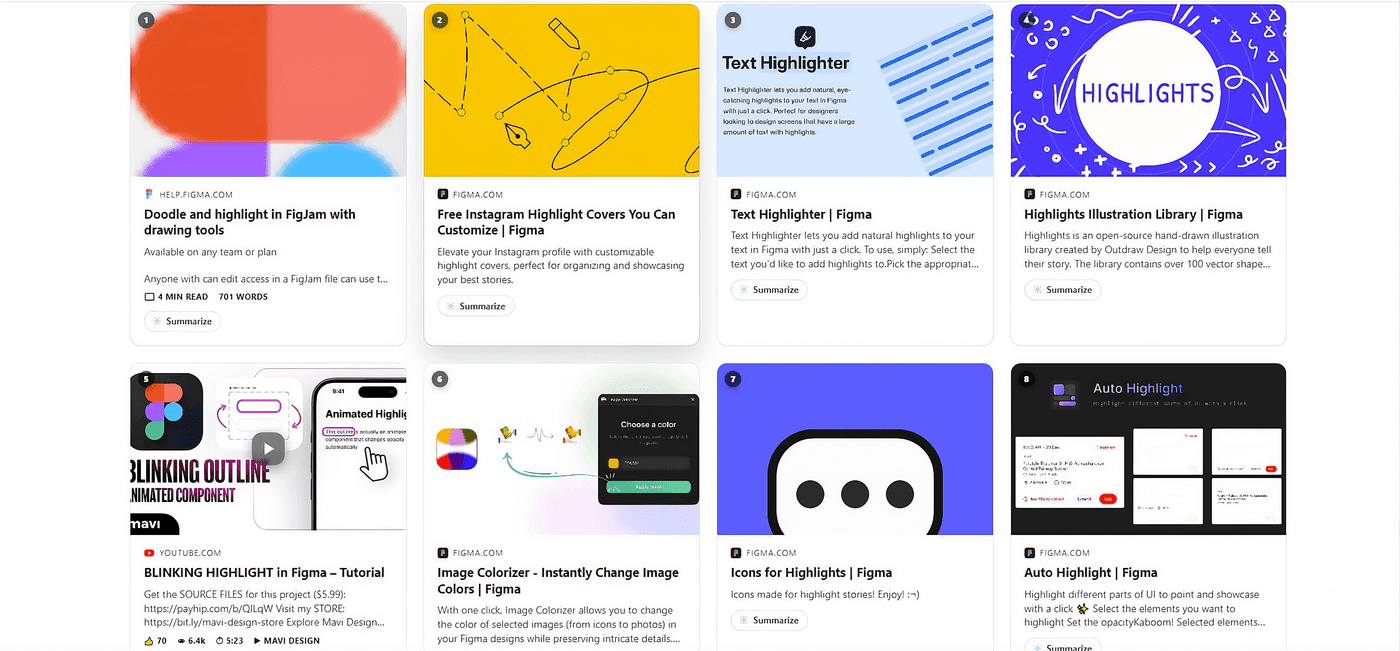
The tabs you open “just to check” add up. Peekly shows a card with the real image and details under each Google, Bing and DuckDuckGo result, and opens any link’s live page when you rest on it. You read it, close it, and you’re still where you were. Every feature is free.
5. Something to save pages for later
Chrome’s built-in Reading list (in the side panel) is enough for most people. Save a page, and it waits there instead of sitting in an open tab.
How to choose
Each extension you add can read some of what you browse, so keep the list short and install from the official store. Check the permissions and the number of users before you add anything.
Questions people ask
- What are the best free Chrome extensions?
- A good free set covers ad blocking (uBlock Origin Lite), passwords (Bitwarden), dark mode (Dark Reader) and link previews (Peekly). Keep the list short so the browser stays fast.
- Do extensions slow Chrome down?
- Some do. Extensions that run on every page all the time cost the most. Ones that only act when you use them, like a link previewer that loads on hover, cost very little.