Feed view: browse search results without opening a single tab
Last updated July 5, 2026 · 3 min read
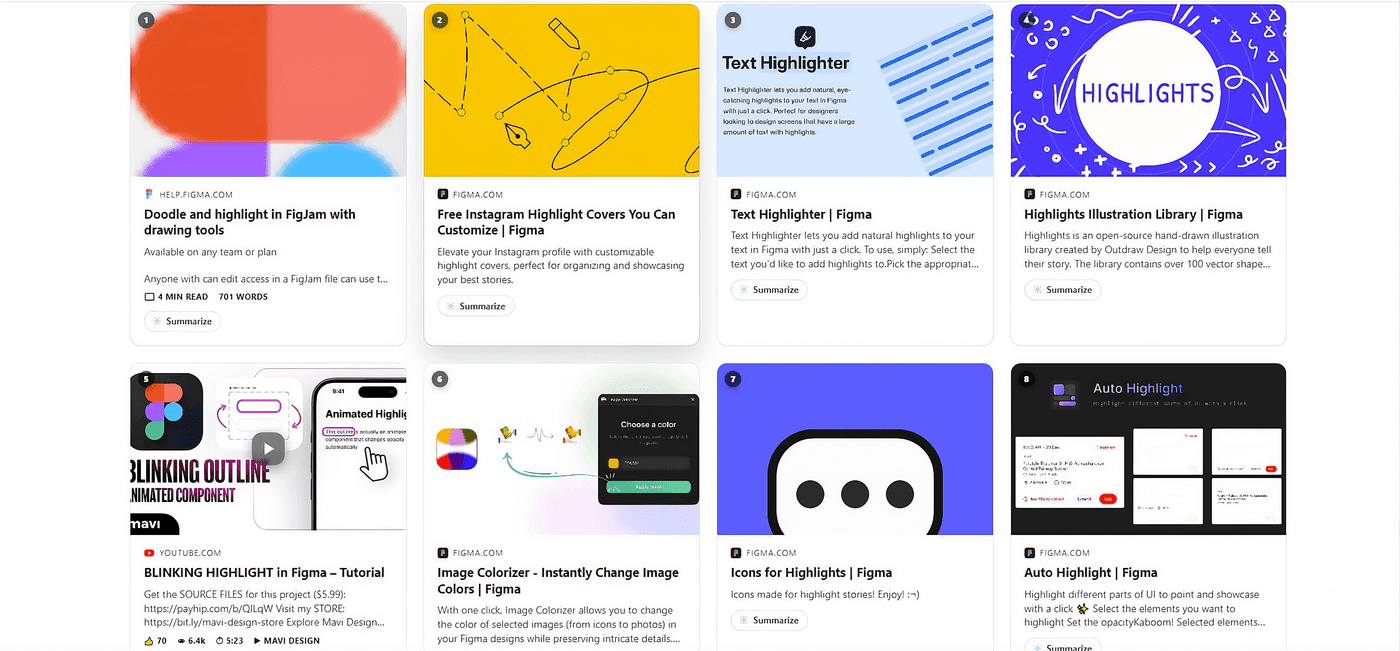
Preview cards answer “what is this link” in place. Feed view goes a step further: it turns the entire results page into a scrollable feed of full previews, so you can read through several results back to back without clicking into any of them, and without the page reflowing around you as you go.
How it works
Toggle Feed view from the toolbar on any supported search page. Results render as cards you can actually read: article previews, inline video, repo details, and scrolling loads more of the page the same way infinite-scroll feeds do elsewhere.
How deep it goes
- Feed view keeps loading as you scroll, up to 7 pages of results deep.
- The “Screenshot all” button captures every result in the feed as you go, previewed right in the card instead of piling up files in your downloads folder.
- Both are free, like every other part of Peekly.
It’s built for research sessions: comparing several docs pages, skimming a dozen recipe sites, checking reviews across five different stores. Those are the cases where opening ten tabs is what you’d normally do, and closing them all afterward is the annoying part.