How to preview a YouTube video without leaving the page
Last updated October 20, 2026 · 3 min read
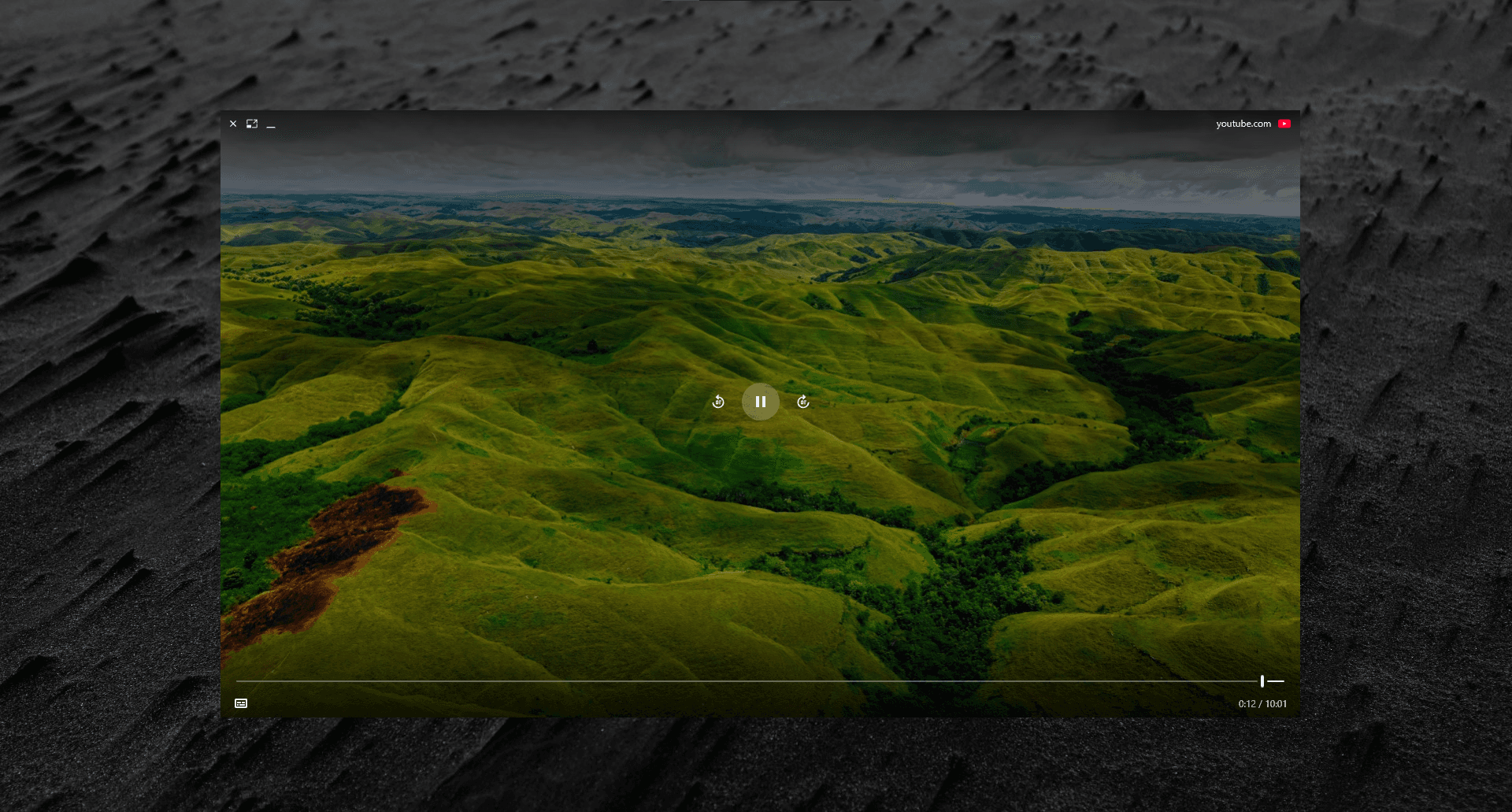
Hover over a YouTube link, or press and hold it, and Peekly plays the video in a preview right on top of the page you’re on. You can check whether it’s the video you want before giving it a tab of its own.
Where it works
- YouTube links in Google and Bing results, including video results.
- Links in Reddit threads, news articles, chats and email.
- Shorts and live streams, as well as regular videos.
Keep watching while you work
The Float button lifts the video into a small window that stays above every app, even when you switch tabs or leave the browser. You can change the playback quality right in that window.
Questions people ask
- How do I preview a YouTube video without opening YouTube?
- With Peekly installed, hover or press and hold the YouTube link. The video plays in a preview on top of your current page.
- Can I keep the video playing while I use other apps?
- Yes. Peekly's Float button puts the video in a small window that stays on top of other apps.